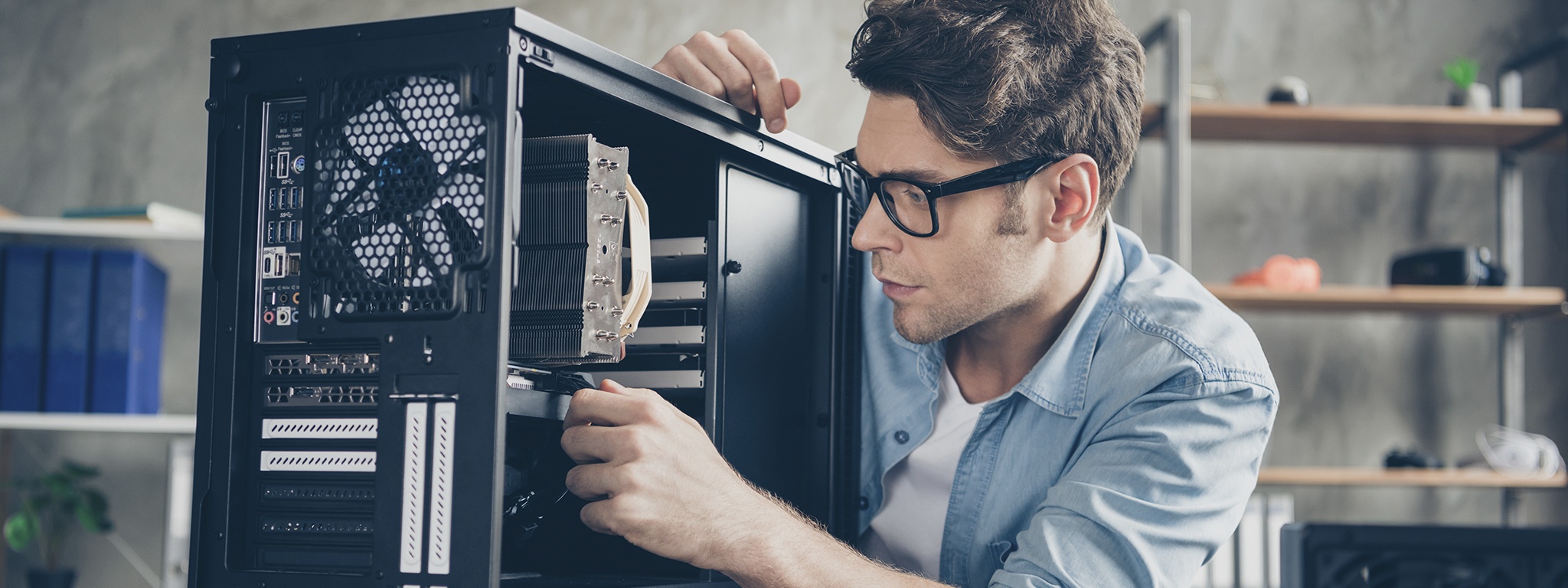
PC Upgrade Guide
Make a slow system run better — SSDs, RAM, CPU, GPU, power, cooling and compatibility tips.
Common problem: Older PCs usually have
mechanical hard drives (HDDs). They are mechanical, wear
out, and are the most likely part to fail.
The fastest, most noticeable upgrade for many systems is
replacing an HDD with a Solid State Drive (SSD). SSDs have
no moving parts, offer much faster boot and load times, and
are more durable.
What is a PC upgrade?
A PC upgrade is replacing or adding hardware to improve performance or capability — examples include a faster CPU, more RAM, a larger or faster drive (SSD), or a better GPU. Upgrades extend the life of an existing system without buying a new one.
PC upgrade guide — quick overview
This guide covers common upgrades, compatibility checks, and practical tips so you can choose the right improvements for your needs.
Frequently asked questions
"Why should I consider upgrading my PC?
What are some common PC upgrades?
Can I upgrade my PC myself, or do I need professional help?
How do I know if a particular upgrade is compatible with my PC?
What are the benefits of upgrading the processor?
How does adding more RAM improve my PC's performance?
What are the advantages of installing a new graphics card?
How does replacing the hard drive with an SSD benefit my PC?
What should I consider when upgrading the power supply?
What are the benefits of adding more storage to my PC?
Can upgrading my PC improve gaming performance?
What is overclocking, and should I consider it?
Should I upgrade my operating system when upgrading hardware?
Are there any software optimizations I can perform before upgrading?
What are the benefits of upgrading to a dual-monitor setup?
Is it worth upgrading my PC's cooling system?
What should I consider when upgrading my PC's memory?
Can I upgrade the sound quality of my PC?
Cloning your HDD to an SSD — quick checklist
- Pick an SSD with enough capacity (or larger) than your current drive.
- Get a SATA/USB adapter or install the SSD inside the case.
- Use cloning software (Macrium Reflect Free, Clonezilla, vendor tools) to clone the drive image to the SSD.
- Set the SSD as the primary boot device in BIOS/UEFI and verify it boots.
- After successful boot, optionally wipe the old HDD for reuse or backup.